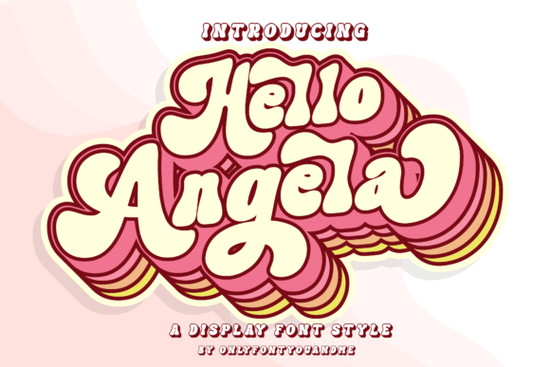
If you’re looking for a display font that adds personality without being overwhelming, Hello Angela is worth a closer look. It’s playful but polished the kind of typeface that works just as well on a boutique logo as it does on a crafty greeting card or magazine headline. What makes it especially handy is that it’s PUA encoded, so all those extra glyphs and stylistic alternates are easy to access, no matter what design software you’re using.
Whether you run a small shop, create print-on-demand products, or just love making things by hand, fonts like this can help your projects feel more intentional. And if you’ve ever browsed through fonts designed specifically for editorial layouts, you’ll notice how Hello Angela holds its own with clean curves and just enough bounce to keep things lively.
What kinds of projects does Hello Angela work best for?
This isn’t a font you’d set body text in and that’s okay. It’s built for moments when you want something to stand out:
- Headlines and feature titles whether digital or printed, it grabs attention without shouting.
- Branding elements think logos, packaging, or social media banners for lifestyle brands, bakeries, boutiques, or handmade goods.
- Craft and DIY projects perfect for vinyl cutting, embroidery digitizing, or printable quote art.
- Event materials wedding invites, baby showers, birthday posters anything where warmth and charm matter.
It pairs nicely with simpler sans-serifs if you need contrast, or even with script fonts like Selina Daniel Duo for layered typographic designs. You might also enjoy browsing how others have used that pairing for inspiration.
Why does PUA encoding matter for designers?
PUA stands for Private Use Area a section of Unicode reserved for custom characters. When a font is PUA encoded, it means all the bonus letters, swashes, and alternate versions are mapped to accessible slots in your font menu. No digging through OpenType panels or hoping your app supports ligatures. Just click and type.
For crafters using Cricut Design Space or Silhouette Studio, this is huge. You won’t need plugins or workarounds to get the full character set. For graphic designers in Illustrator or Photoshop, it means faster workflow and fewer headaches when clients ask for “that curly version” of a letter.
If you’ve struggled with fonts that hide their best features behind complicated setups, you might appreciate how straightforward Hello Angela is to use right out of the box.
How does it compare to other fun display fonts?
Fonts like Awesome Everybody lean into bold, chunky energy great for streetwear or festival posters. Motcha has a retro diner vibe with exaggerated serifs. Hello Angela sits somewhere in between: friendly, modern, and versatile enough for both commercial and personal use.
You can see how different moods play out when you explore what others have done with bolder display fonts, or check out retro-inspired alternatives if you’re building a themed collection.
Is it suitable for commercial use?
Yes Creative Fabrica’s standard license covers most small business needs, including selling physical products (like mugs, shirts, or stickers) made with the font. Always double-check the license details after purchase, especially if you’re working with large-scale manufacturing or embedding the font in apps or websites.
One thing users often overlook: even though Hello Angela feels casual, it’s professionally spaced and kerned. That means less manual tweaking when you’re laying out text a real time-saver if you’re juggling multiple client projects or running a one-person shop.
A quick tip before you download
Try typing your most-used words or brand name in the live preview tool before buying. Some display fonts look great in short bursts but fall apart in longer phrases. With Hello Angela, test combinations like “Summer Sale,” “Handmade With Love,” or your shop’s tagline. If it flows naturally and still looks balanced, you’re good to go.
And if you’re still exploring options, take a peek at real user examples and mockups to see how it performs in context.
Next step: Try it in your next project
- Download the font and install it locally or sync via Creative Fabrica’s app.
- Open your favorite design tool and type a few headlines experiment with uppercase, lowercase, and mixing them.
- Toggle through alternates to find the version that fits your tone some letters have softer or bolder variants.
- Pair it with a minimalist sans-serif (like Montserrat or Lato) for clean contrast.
- Save your favorite combos as styles or presets for future use.
Fonts like this don’t need to be flashy to make an impact. Sometimes, the right amount of charm is all you need to turn a simple design into something people remember.
Explore Design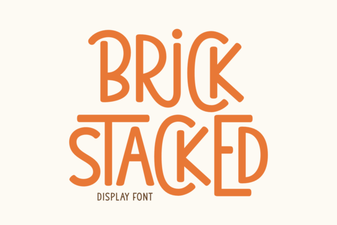 A Modern Font for Structural Design Ideas
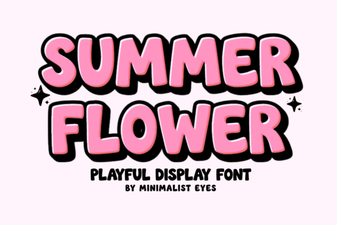 Bright Summer Flower Fonts for Your Designs
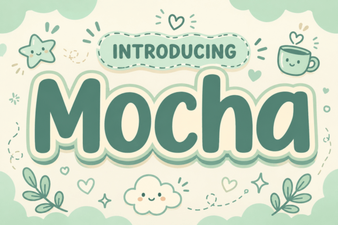 The Motcha Font: Design Versatility & Creative Ideas
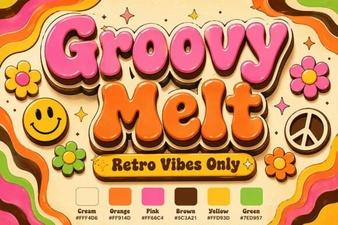 Groovy Melt: a Fun Font for Retro Designs
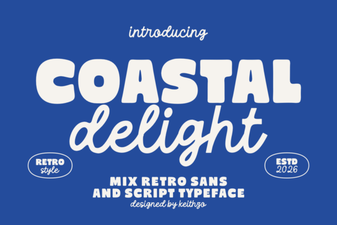 Coastal Delight Font for Creative Beach Designs
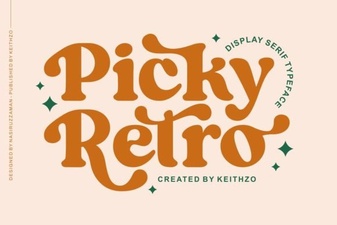 Picky Retro Fonts for Modern Design Projects